|
|
 NAS Data Recovery
-
Version
1.20
NAS Data Recovery
-
Version
1.20
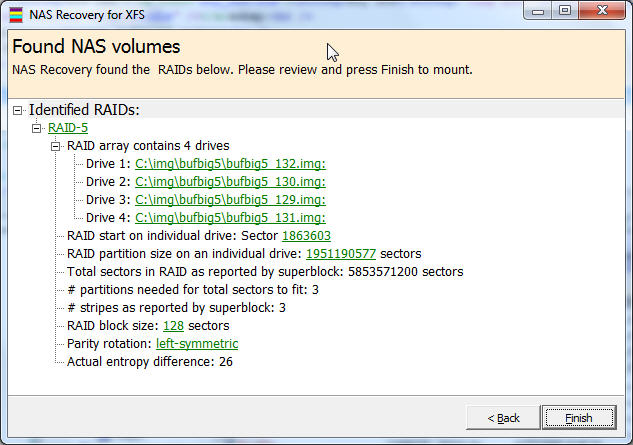
NAS Data Recovery recovers the entire content of your
broken NAS within minutes. You will be able to copy
the files and folders over to another disk.
NAS Data Recovery works for all XFS- or EXT2FS
formatted single-drive, RAID-0, RAID-1, or RAID-5 NAS
stations from manufacturers such as Buffalo, DLink,
Western Digital, Seagate, or Iomega.
Remove the drives from your NAS station and attach
them locally to your machine. Make sure the drives are
all recognized by Windows Disk Management. If you are
trying to recover a RAID-5, it is Ok to attach one
drive less than the total number of drives in that
NAS. NAS Recovery also works with images of your
drives.
Install NAS Data Recovery to your computer and start
the program. In Vista or Windows 7 you need to right-
click the program icon and select "Run as
Administrator".
|